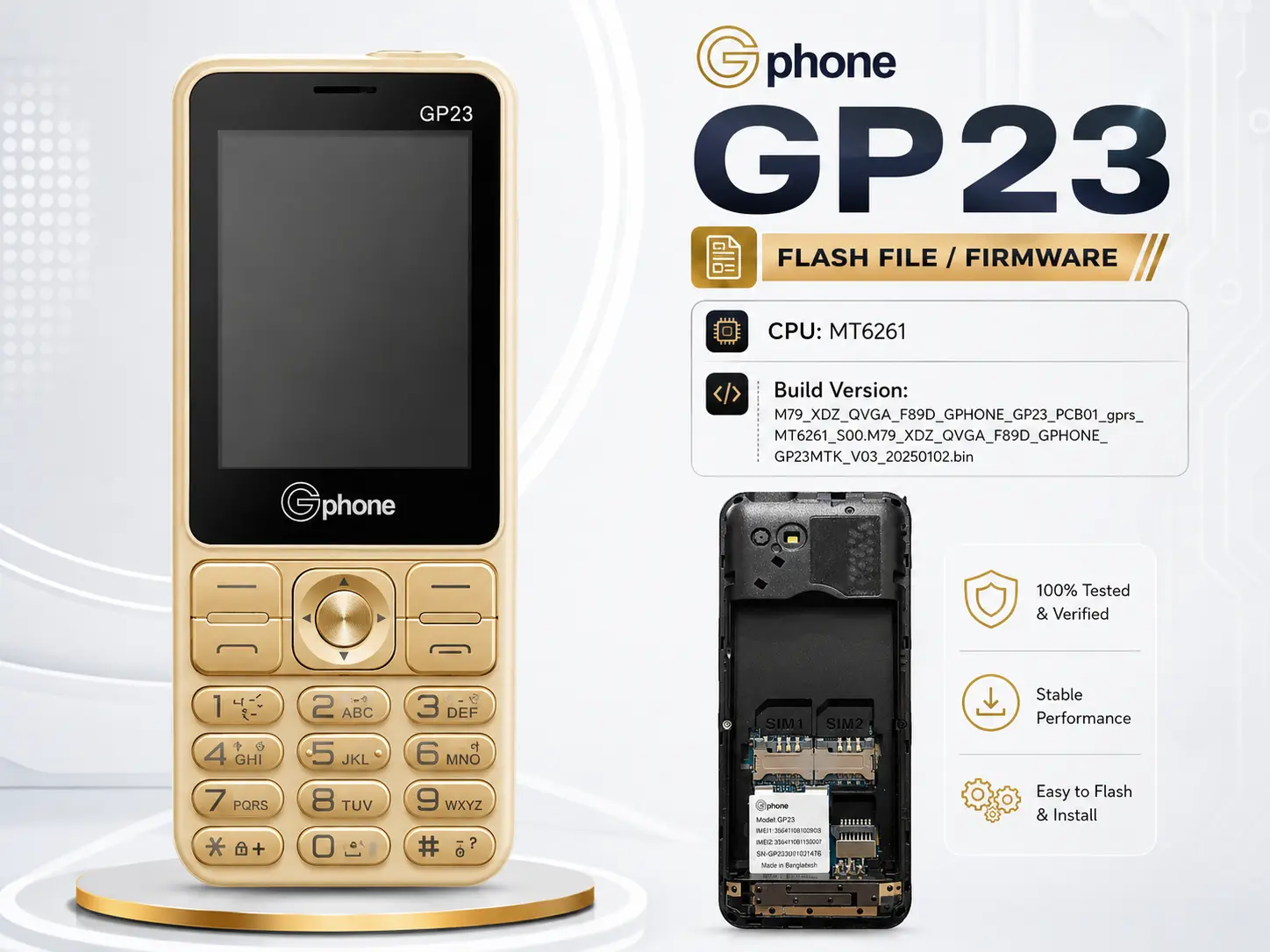
How to Flash Stock Rom Gphone GP23 Phone:
- Download The Gphone GP23 Flash File Firmware.
- Install The Gphone GP23 USB Driver On Your Computer If You Don’t Already Have One.
- Open The Gphone GP23 Flash Tool ( CM2 / Miracle Box ).
- Remove And Reinsert The Gphone GP23 Battery.
- Select The Downloaded Flash File In The Tool And Click “Write Flash”.
- Connect Your Gphone GP23 To Your Computer With a USB Cable And Press The Boot Key.
- The Gphone GP23 Will Now Start Flashing. This May Take Up To 5 Minutes.
- Wait For The Flashing Process To Reach 100% Completion.
- Flashing Is Now Complete ! The Gphone GP23 Has Been Successfully Flashed.
Reviews
There are no reviews yet.